Configuring Term IDs
These filter options allow you to specify which categories or attributes are displayed or not.
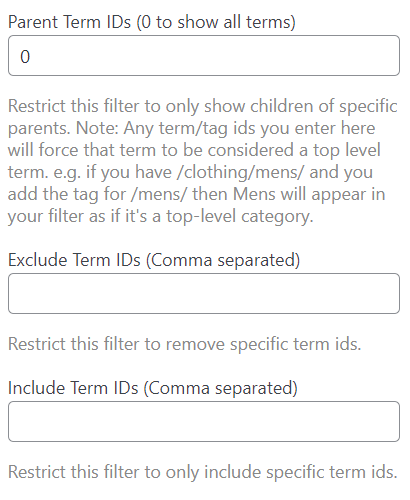
Locating Term IDs
For categories, go to Dashboard > Products > Categories and select the category for the required Term ID. In the URL you will see ‘ID=(number)’. This example is used for ‘Clothing’:

Parent Term IDs
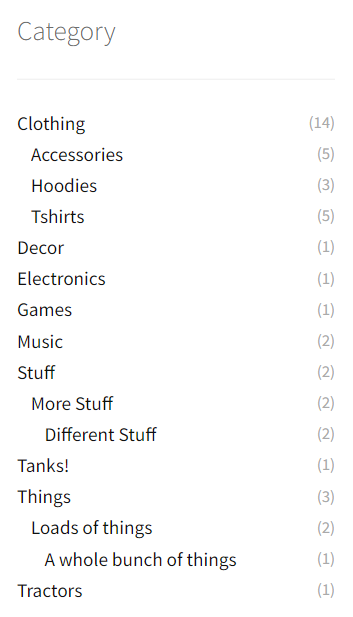
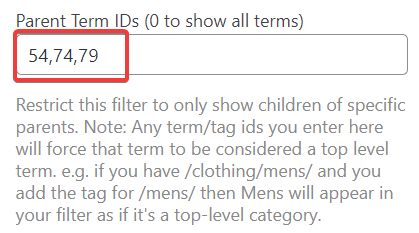
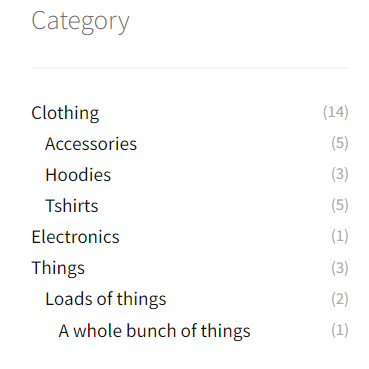
Only show the children and the parents selected here. Before and after selecting Parent Term IDs:
Exclude Term IDs
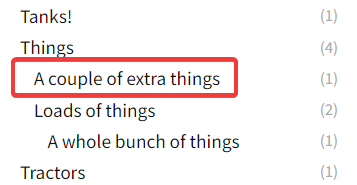
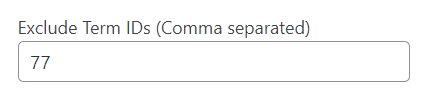
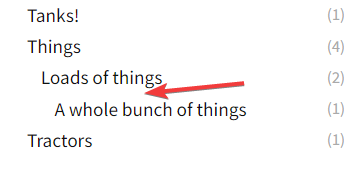
Add Term IDs here to exclude specific categories or attributes. Maybe you don’t want to display a specific child:
Include Term IDs
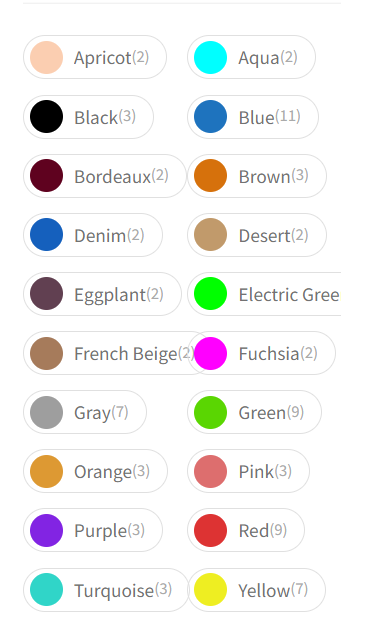
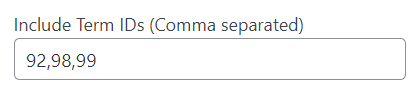
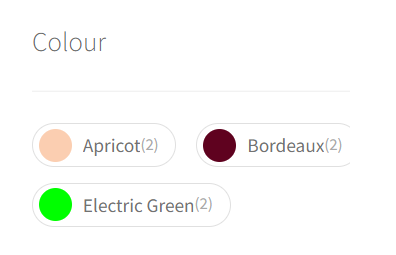
This setting is the opposite. Whichever IDs are set here are the only categories or attributes that will display:
Fixing this on a real store?
Super Speedy Filters does it for you. Or get every Super Speedy plugin with the All Access Pass.
 Super Speedy Filters
Fast product filters and pretty, indexable permalinks on every archive
 All Access Pass
Every Super Speedy plugin, one licence, with updates and support.
Comments