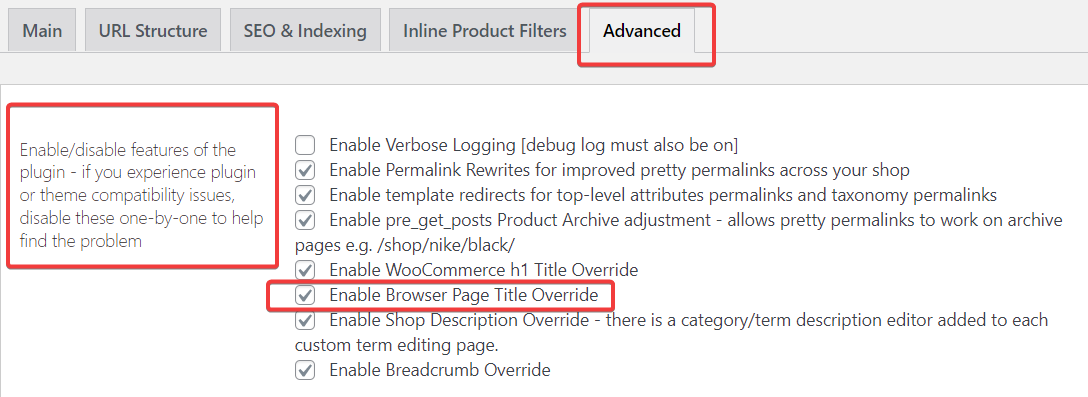
After installing Super Speedy Filters, the browser page title may not be displaying how it was before. First, go to Dashboard > Settings > Super Speedy Filters > Advanced and see if “Enable Browser Page Title Override” is checked. Disable this to revert back to your previous Page Title settings.
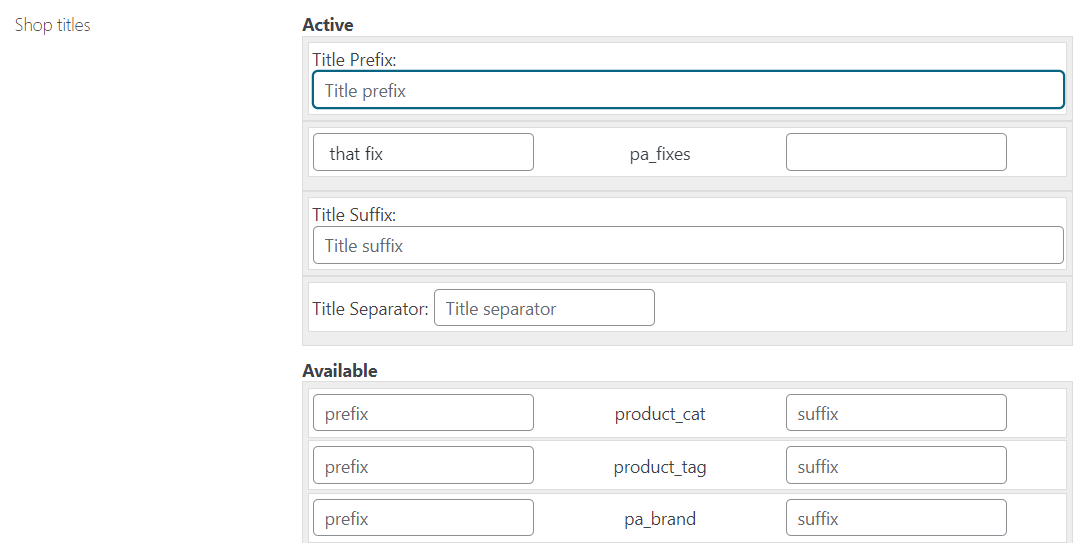
If this is left enabled, titles can be customised in the Dashboard > Settings > Super Speedy Filters > SEO & Indexing Tab in the “Shop Titles” Area.