Do I have to rebuild my WP All Import mappings by hand?
Published
· Last updated
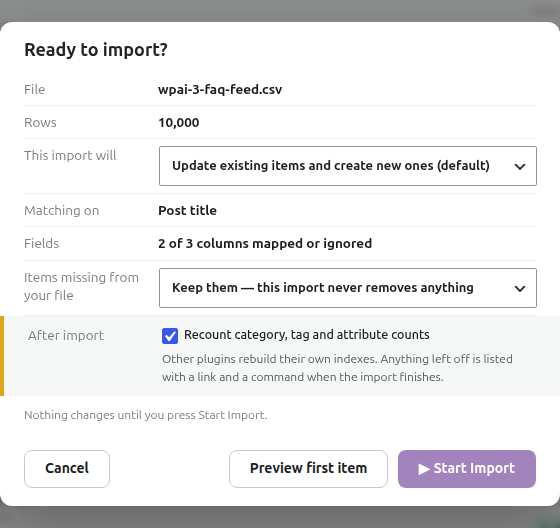
No. Use the built-in migrator in Migration Tools to bring your existing WP All Import jobs across. It transfers mappings, matching (including WordPress Post ID and slug matching) and import settings, and carries over what the job does with items missing from the feed. Open the migrated job in the visual mapper, check Review differences and preview the result. Read Migrating from WP All Import.
Fields that used PHP in WP All Import are the exception: map those yourself. A migrated job that still carries something that could not be translated does not run until you have dealt with it.
Further reading
Browse the other questions.
Follow the visual import workflow.
Related products

Written for Super Speedy Imports 3.40.0.

Comments