Do I need a terminal or code to use Super Speedy Imports?
Published
· Last updated
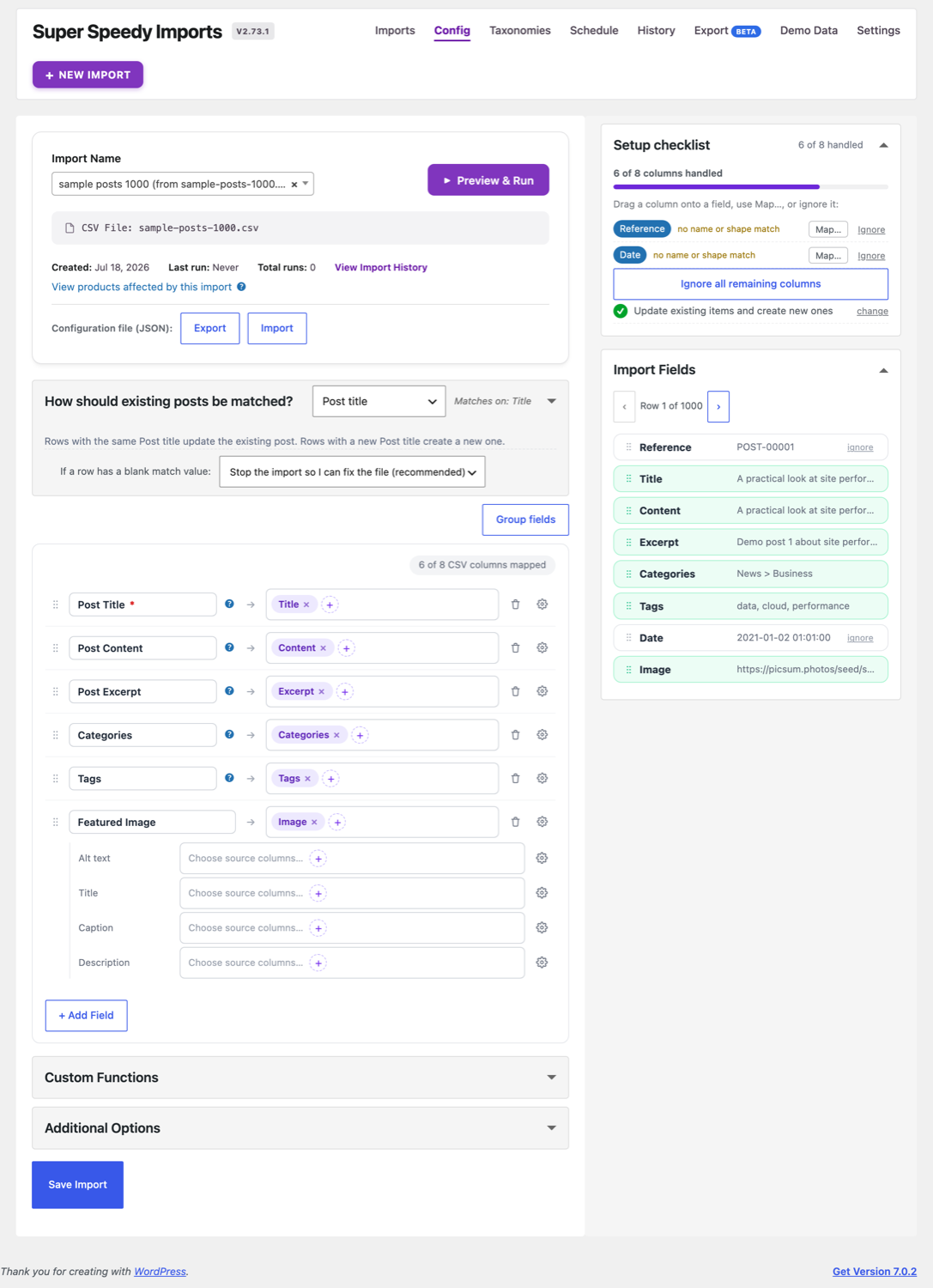
No. Upload a file, review the suggested mappings, inspect sample values, preview a draft and run the import inside WordPress. Source fields can be dragged onto destinations or chosen with the field picker. PHP and WP-CLI are optional tools for advanced work. Start with the Quick Start Guide.
Further reading
Browse the other questions.
Follow the visual import workflow.
Related products

Written for Super Speedy Imports 2.96.0.

Comments