Will SSI overwrite my existing products?
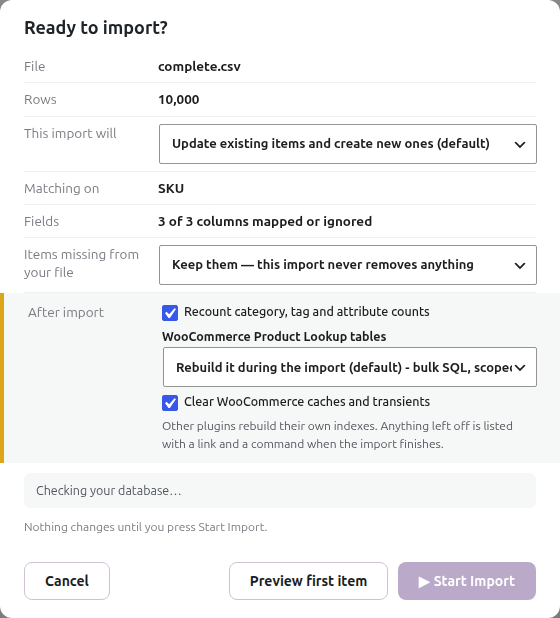
By default; yes, for any field your CSV maps. SSI is built around the idea that the CSV is the source of truth and the WordPress posts mirror it.
If you want to ADD new products without ever touching existing ones, use the Only create new items import mode. If you want to update existing without ever adding new, use Only update existing items. See Controlling which stages of an import actually run.
If you only want to update specific fields (e.g. just prices), use Only update prices & other item details (fastest); this updates the mapped metadata of existing items and skips the post body, taxonomies, and images entirely.
Two price rules apply whenever an import writes prices: a blank cell in a mapped price column clears that price, and a price written in the other decimal format (12,99 in a dot-decimal import) is refused and reported, leaving that product’s prices unchanged. See Complete Guide to Updating Stock & Prices with Super Speedy Imports.
Further reading
Related products

Written for Super Speedy Imports 3.40.0.

Comments