Super Speedy Imports
Easy to use. Built for speed.

Import CSV and XML files with automatic field mapping, visual previews and fast imports inside WordPress. Bring your existing WP All Import jobs across with the built-in migrator.
Your file. Your fields. Your import.
Set up visually in WordPress, check the result and run with the Super Speedy import engine.
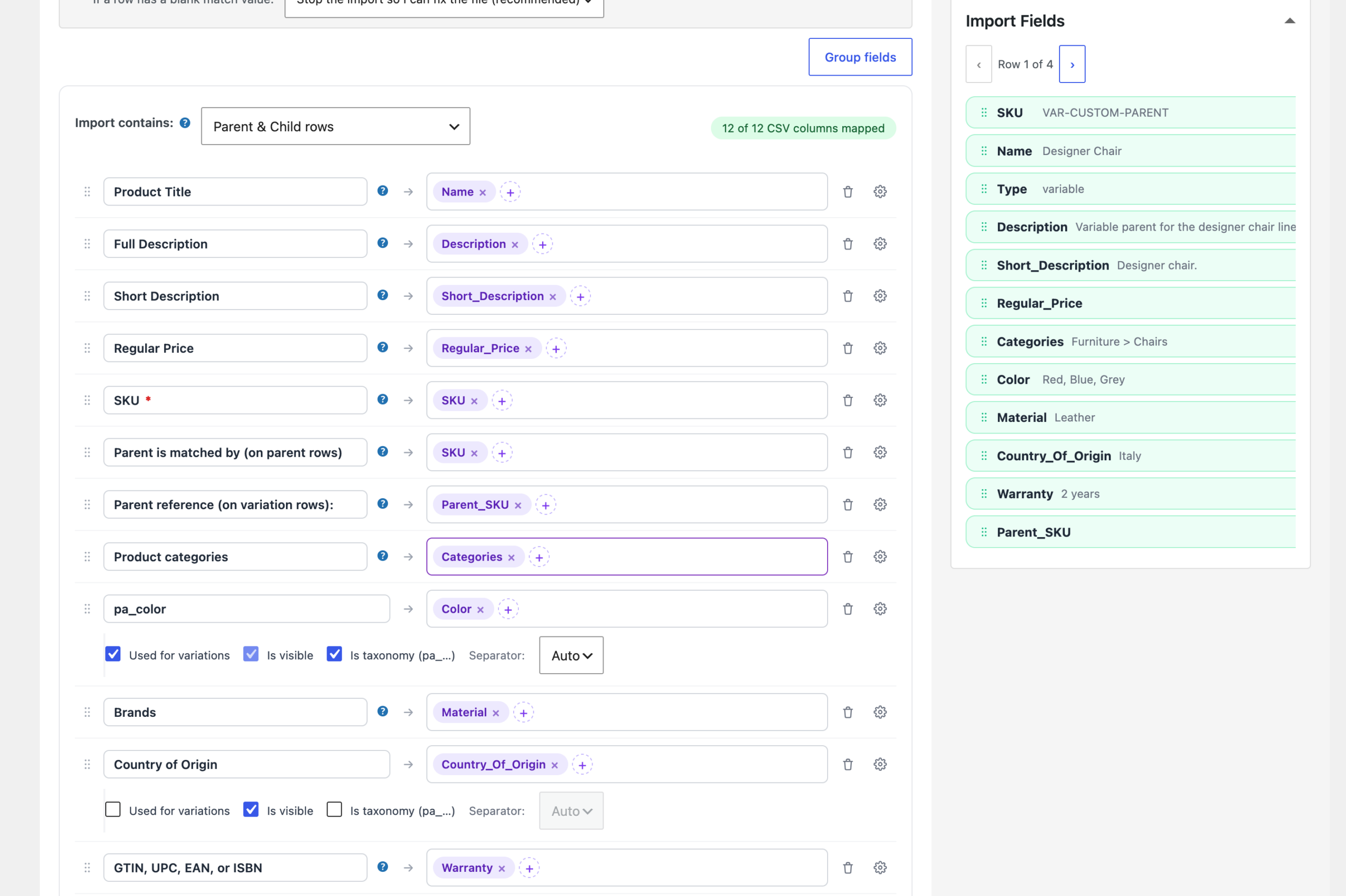
Super Speedy Imports gives you a visual workspace for importing WordPress content and WooCommerce products. Add your file, let the automatic classifier suggest mappings, and check the values beside each field. Drag a source column into a destination whenever you want to change the mapping.
Whether you’re loading your first catalogue or updating an established shop, you can configure, preview and run your imports inside WordPress. You don’t need to write code or open a terminal for that workflow.
Let the classifier do the first pass
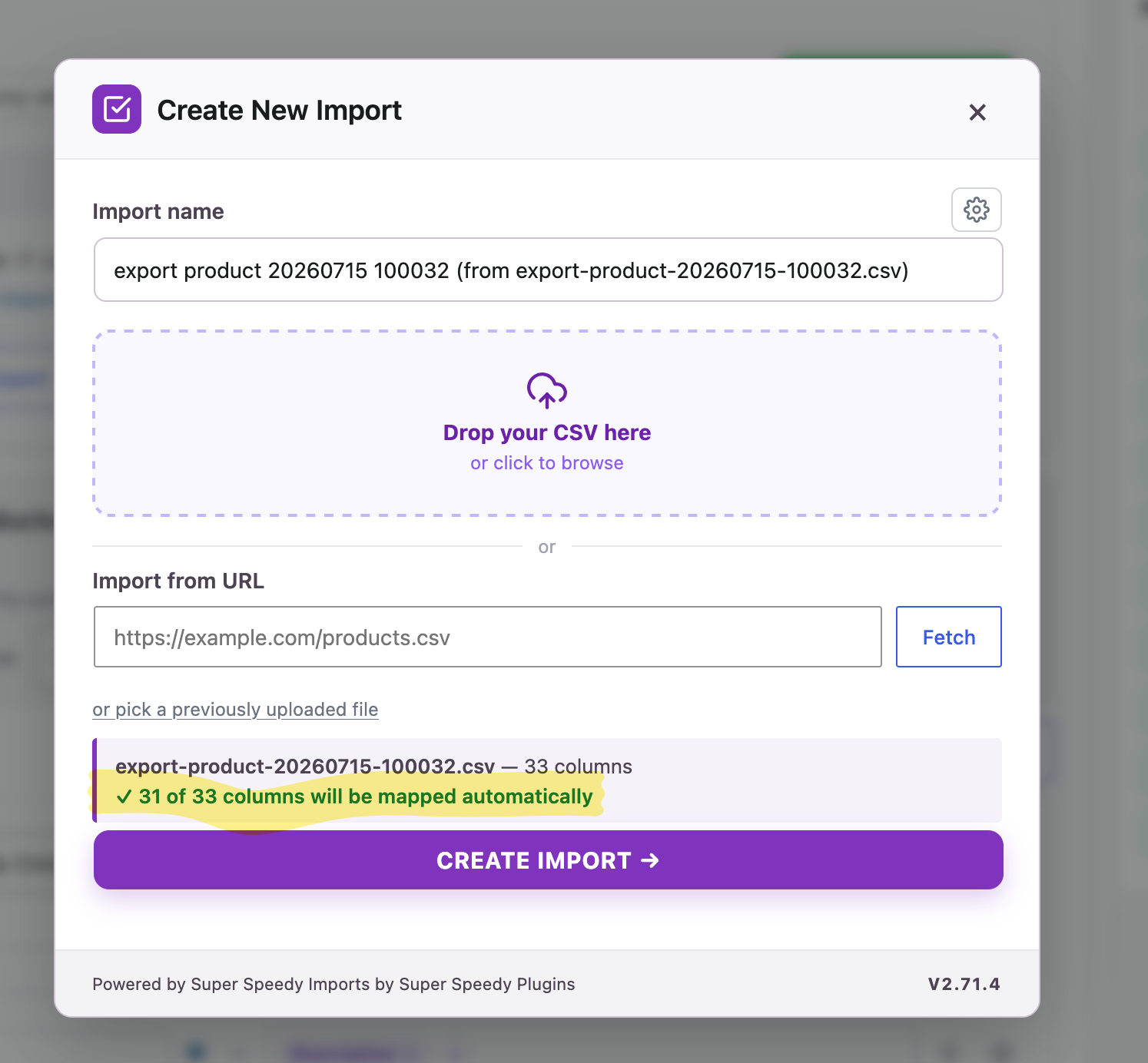
SSI reads column names and sample values to recognise prices, stock, identifiers, images and other fields. It proposes mappings and import settings, then leaves you in control of what to accept or change.
- Review suggestions. Accept a proposed match, dismiss it or choose a destination yourself.
- See your source data. Browse sample rows beside the field mappings.
- Map visually. Drag source fields into destinations or choose them from the picker.
- Combine values without PHP. Use a fixed value, merge source fields with text or edit content visually.
- Reuse your setup. Save the import definition for the next file or update.
See how automatic mapping works or take a tour of the mapping screen.
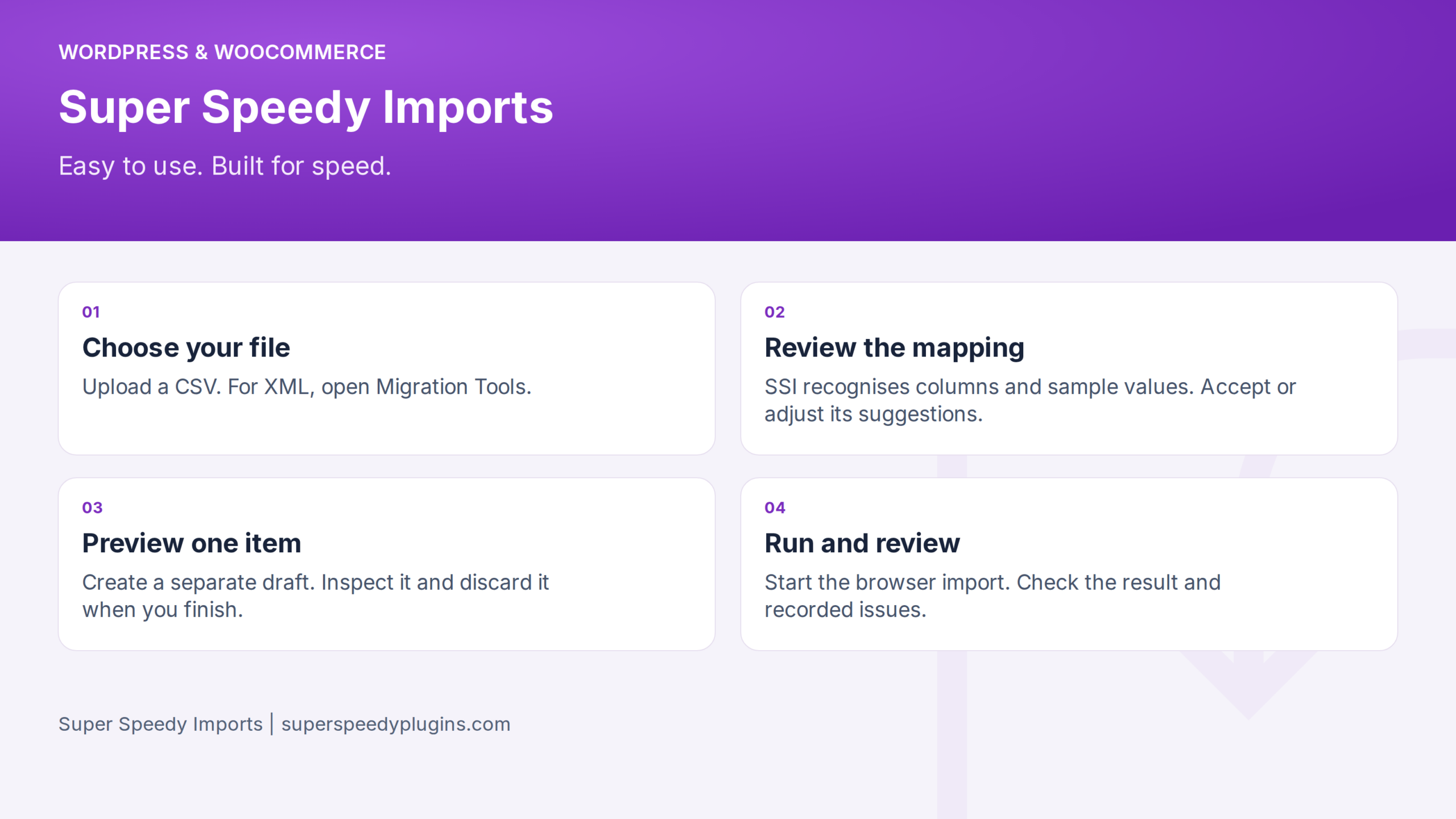
From file to checked result
Set up and run inside WordPress
Import XML without an external converter
Choose your XML or JSON file in Super Speedy Imports → New Import and let SSI detect its repeating record path, or enter the path yourself. SSI turns the selected records into fields you can map using the same visual interface.
Import nested elements, XML attributes and repeated values using the visual mapper. SSI handles the conversion internally and keeps your XML file as the source.
See the controls before you buy
Moving from WP All Import?
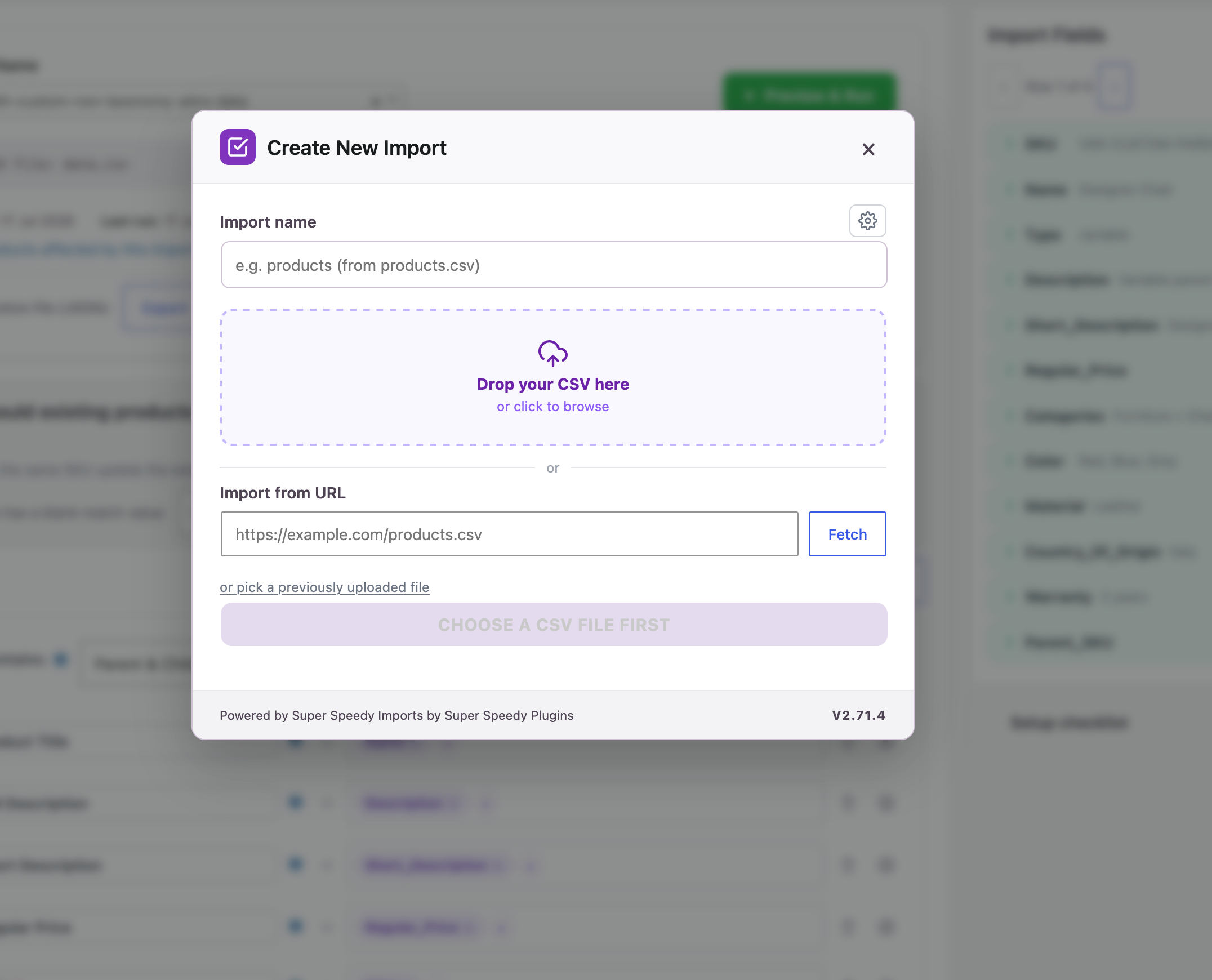
See automatic CSV configuration, preview, saved-job migration and the speed comparison.
Read the full Super Speedy Imports vs WP All Import comparison.
Bring your saved WP All Import jobs across
Bring your existing WP All Import jobs across with the built-in migrator. SSI reads your saved jobs and transfers field mappings, matching rules and update settings into its visual interface.
Choose the jobs to migrate, open them in SSI and preview the result before running.
Follow the WP All Import migration guide.
Check what happened and control what stays
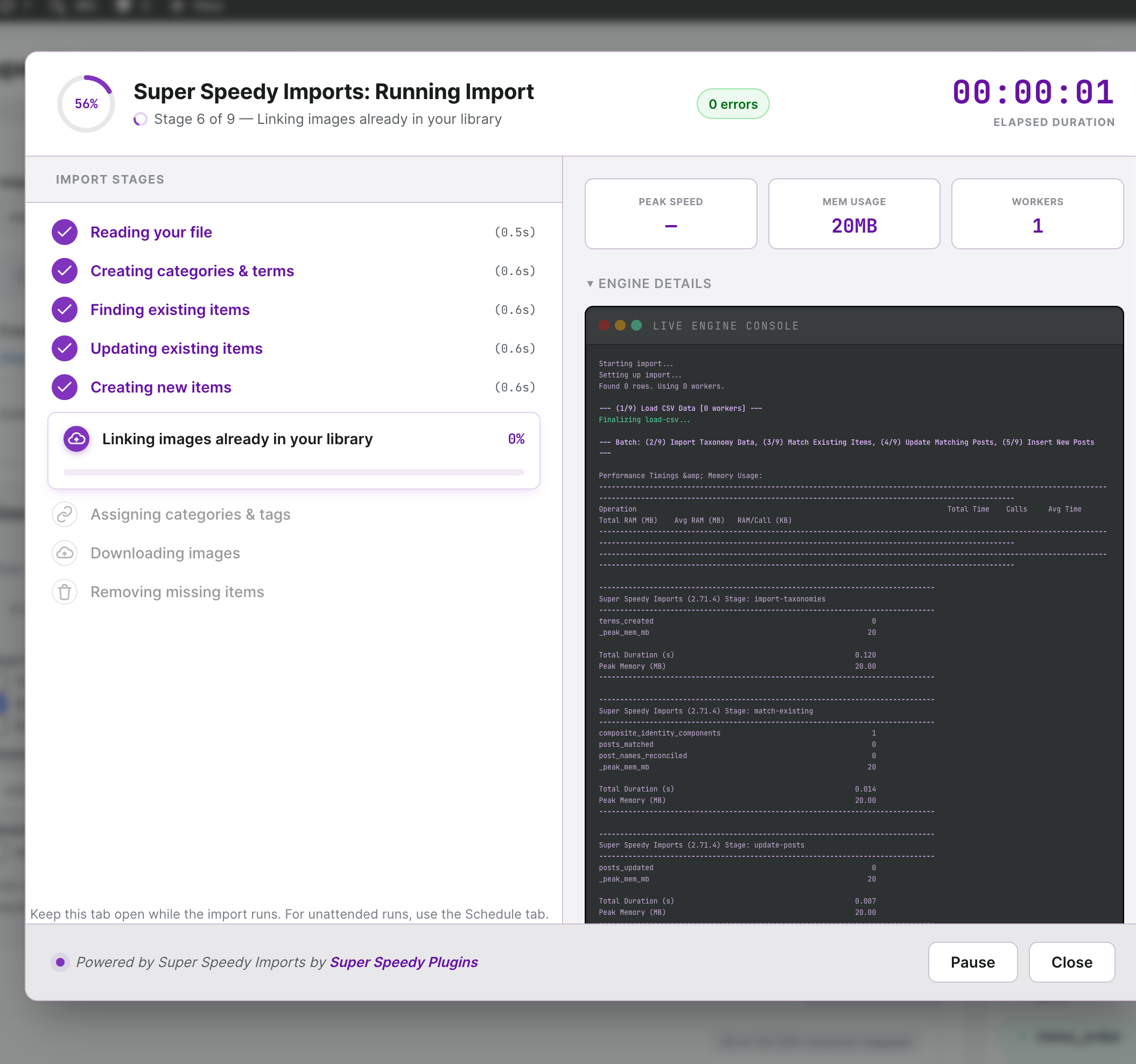
The browser runner shows progress and a completion result. Use the history and issue reports to inspect the run, then reuse the saved mapping when your source changes.
Remove records associated with an import directly from WordPress, with controls for Trash and permanent deletion.
Read about Trash and deletion.
Built for your catalogue and your content
Visual setup, backed by bulk processing
SSI stages your data and processes it with bulk database operations. The interface handles the setup; the engine handles the import. You can use the same saved configuration for a small first import and for recurring catalogue updates.
See the import timings, test files and results in our published benchmarks.
- Super Speedy Imports vs WP All Import Pro benchmarks
- WP All Import feature comparison
- WebToffee feature comparison
Choose your licence
All the paid plans below include the visual import workflow. Choose the number of sites and whether you want annual or lifetime updates and support.
Choose your licence
Choose yearly or lifetime cover for the number of sites you need.
1 Site
- Yearly licence – 1 year of updates and support, keeps working afterwards
- 1 Site License
- Visual mapping and automatic recognition
- Browser imports, draft preview and scheduled imports
- 50% off Delayed Image Import
- 1 support seat – chat live with our engineers on Discord
5 Sites
- Yearly licence – 1 year of updates and support, keeps working afterwards
- 5 Site Licenses
- Visual mapping and automatic recognition
- Browser imports, draft preview and scheduled imports
- 50% off Delayed Image Import
- 1 support seat – chat live with our engineers on Discord
25 Sites
- Yearly licence – 1 year of updates and support, keeps working afterwards
- 25 Site Licenses
- Visual mapping and automatic recognition
- Browser imports, draft preview and scheduled imports
- 50% off Delayed Image Import
- 1 support seat – chat live with our engineers on Discord
- Priority support
5 Sites
- Lifetime licence – updates and support for life
- 5 Site Licenses
- Visual mapping and automatic recognition
- Browser imports, draft preview and scheduled imports
- 50% off Delayed Image Import
- 1 support seat – chat live with our engineers on Discord
25 Sites
- Lifetime licence – updates and support for life
- 25 Site Licenses
- Visual mapping and automatic recognition
- Browser imports, draft preview and scheduled imports
- 50% off Delayed Image Import
- 1 support seat – chat live with our engineers on Discord
- Priority support
250 Sites
- Lifetime licence – updates and support for life
- 250 Site Licenses
- Visual mapping and automatic recognition
- Browser imports, draft preview and scheduled imports
- 50% off Delayed Image Import
- 2 support seats – chat live with our engineers on Discord
- Priority support
Start with the plan you need today.
If you need more sites later, move up without buying the plugin twice.
to try it properly
Ask for a full refund within 60 days of purchase, for any reason.
Upgrade and pay the difference
Within 60 days, your original payment counts in full towards a larger plan, including lifetime.
Example based on our €79 yearly and €279 lifetime plans.
Upgrading later? You still get credit after 60 days, though the credit reduces over time on yearly plans.
How do yearly renewals work?
A yearly licence includes one year of updates and support. The plugin keeps working after that. Renewal for further updates and support is optional. Renew before or within one month after expiry for 30% off, within six months for 20% off, or later for 10% off. Full terms
Agency or hosting company? Get in touch for custom pricing
Guides for your first import
Start with the Quick Start Guide, inspect automatic mapping, or follow the migration guide.
Super Speedy Imports Knowledge Base
View full Knowledge Base →- Adding compatibility for other plugins
- Architecture Overview
- Building an Import Type Add-on: the Term Descriptions Case Study
- Building change-listener integrations: the back-in-stock notifiers
- CLI reference
- Creating Add-ons for Super Speedy Imports
- Creating Custom Templates for Super Speedy Imports
- Run your own code when an import completes
- Can I attach images already on the server without downloading them again?
- Can I be notified, or run code, when an import finishes?
- Can I delete what an import brought in?
- Can I import into a custom post type, not just posts and products?
- Can I import XML?
- Can I preview before running the whole file?
- Can I run several supplier imports at the same time?
- Can I run SSI imports from a cron job?
- A tour of the import mapping screen
- Automatic column mapping
- Choosing your unique identifier
- Complete Guide to Updating Stock & Prices with Super Speedy Imports
- Controlling Super Speedy Imports with MCP
- Delayed Image Import: what happens to your images on each import
- Handling duplicate term slugs
- Import modes and what each stage writes
Frequently asked questions

Works well with
Some combinations get a bigger discount than others. Add this set to your basket to see its price.





4 reviews for Super Speedy Imports
Choose your licence
Choose yearly or lifetime cover for the number of sites you need.
1 Site
- Yearly licence – 1 year of updates and support, keeps working afterwards
- 1 Site License
- Visual mapping and automatic recognition
- Browser imports, draft preview and scheduled imports
- 50% off Delayed Image Import
- 1 support seat – chat live with our engineers on Discord
5 Sites
- Yearly licence – 1 year of updates and support, keeps working afterwards
- 5 Site Licenses
- Visual mapping and automatic recognition
- Browser imports, draft preview and scheduled imports
- 50% off Delayed Image Import
- 1 support seat – chat live with our engineers on Discord
25 Sites
- Yearly licence – 1 year of updates and support, keeps working afterwards
- 25 Site Licenses
- Visual mapping and automatic recognition
- Browser imports, draft preview and scheduled imports
- 50% off Delayed Image Import
- 1 support seat – chat live with our engineers on Discord
- Priority support
5 Sites
- Lifetime licence – updates and support for life
- 5 Site Licenses
- Visual mapping and automatic recognition
- Browser imports, draft preview and scheduled imports
- 50% off Delayed Image Import
- 1 support seat – chat live with our engineers on Discord
25 Sites
- Lifetime licence – updates and support for life
- 25 Site Licenses
- Visual mapping and automatic recognition
- Browser imports, draft preview and scheduled imports
- 50% off Delayed Image Import
- 1 support seat – chat live with our engineers on Discord
- Priority support
250 Sites
- Lifetime licence – updates and support for life
- 250 Site Licenses
- Visual mapping and automatic recognition
- Browser imports, draft preview and scheduled imports
- 50% off Delayed Image Import
- 2 support seats – chat live with our engineers on Discord
- Priority support
Start with the plan you need today.
If you need more sites later, move up without buying the plugin twice.
to try it properly
Ask for a full refund within 60 days of purchase, for any reason.
Upgrade and pay the difference
Within 60 days, your original payment counts in full towards a larger plan, including lifetime.
Example based on our €79 yearly and €279 lifetime plans.
Upgrading later? You still get credit after 60 days, though the credit reduces over time on yearly plans.
How do yearly renewals work?
A yearly licence includes one year of updates and support. The plugin keeps working after that. Renewal for further updates and support is optional. Renew before or within one month after expiry for 30% off, within six months for 20% off, or later for 10% off. Full terms
Agency or hosting company? Get in touch for custom pricing

Ashley J. (verified owner) –
Super Speedy Imports has made a huge difference in how we manage our large WooCommerce catalog. We’re able to update thousands of products incredibly quickly, and the support has been outstanding. Dave has personally worked through a few issues with us, listened to our feedback, and released fixes extremely quickly. It’s rare to get this level of support directly from a developer. Very happy with both the plugin and the support!
Michael A. (verified owner) –
This plugin is amazing! I was using WP All Import and my import job took over an hour. With Super Speedy Imports it is taking 111 seconds! That is not a typo. I verified the data. Just amazing. I can fully recommend this plugin.
Krish H. (verified owner) –
We’ve been using this plugin on our live site for a few weeks now and it’s been a phenomenal game changer for us. Before with WP All Import, importing products from a supplier would take so long that by the time the import was done, it wasn’t even accurate anymore. It was also taking so many resources that our backend would slowly crawl and was near unusable.
Now, imports take a few minutes and we can run imports multiple times a day and can keep our products very up to date. We’re still moving some imports from WP All Import over to this, but this plugin has been amazing for us. Thank you so much!
Phil (verified owner) –
Even using this early release, the import speed is amazing. Our previous plugin required months to import our large number of products. This tool takes minutes. The ability to run new product additions and updates will change the way we do business.