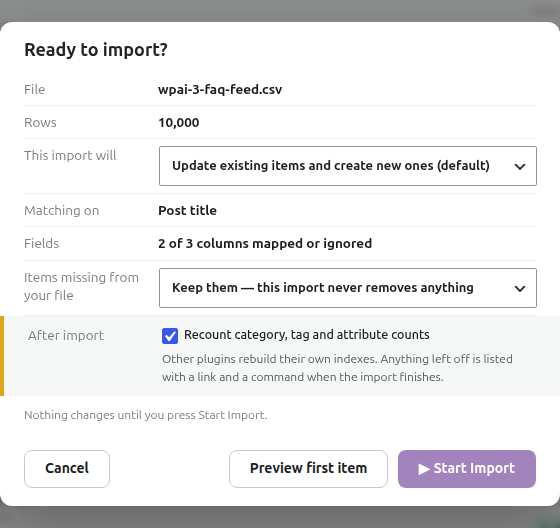
Why does the import preview show only 10 rows when my CSV has thousands?
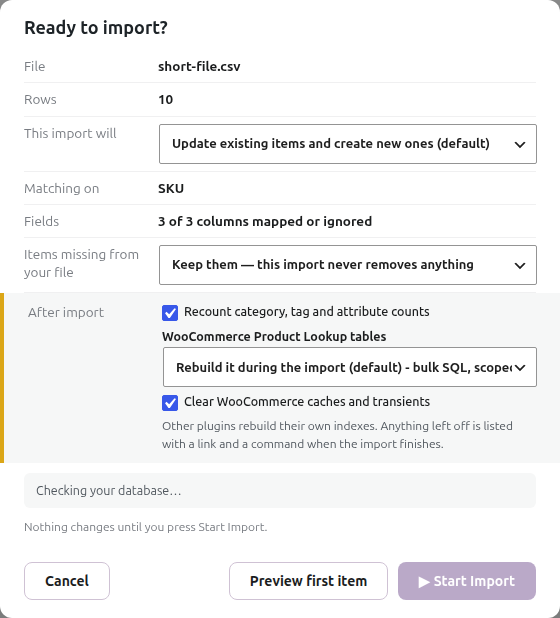
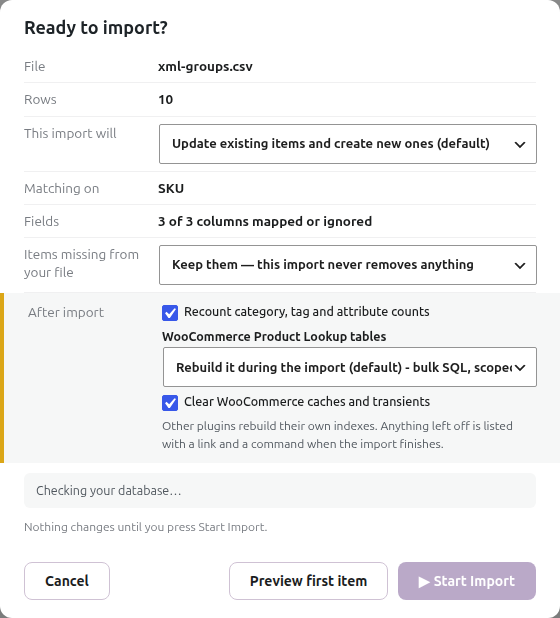
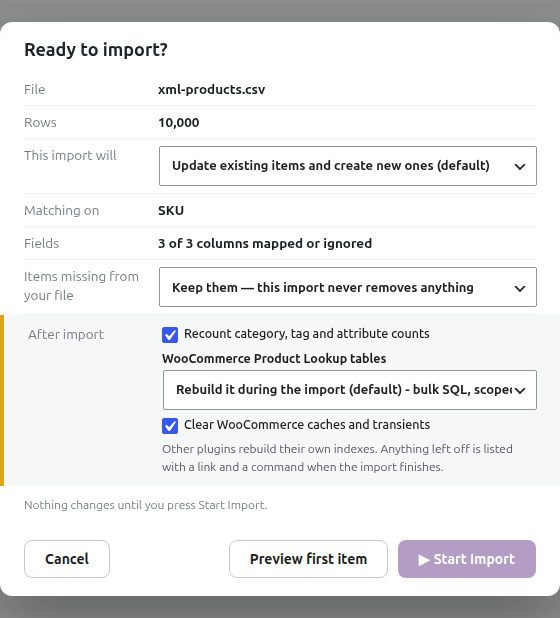
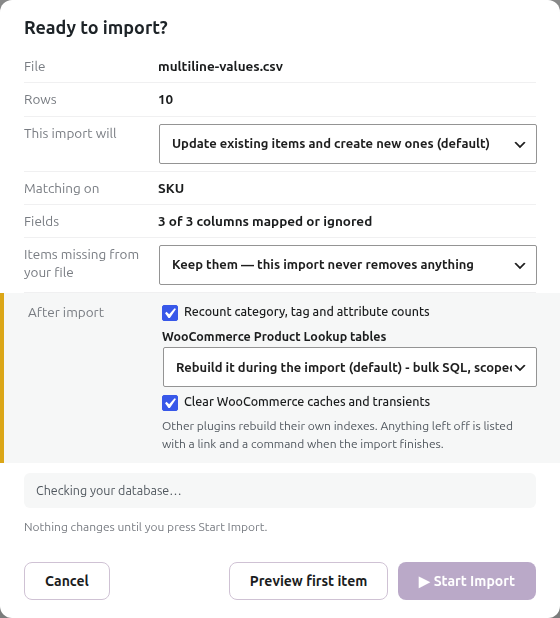
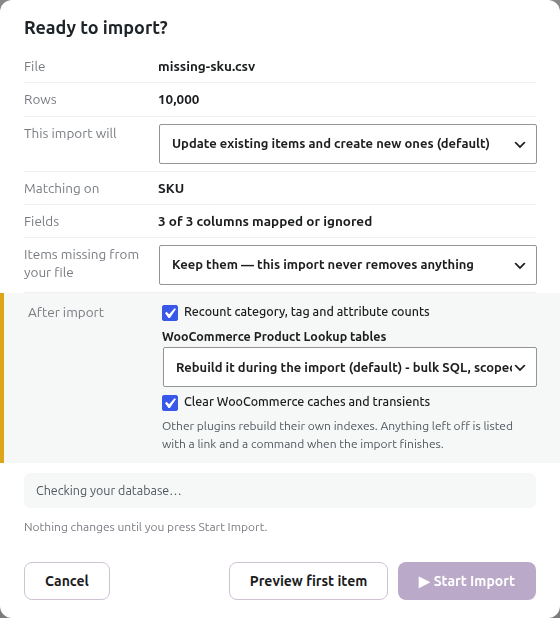
The Rows value in Ready to import? comes from the CSV preview’s count of the selected local working file. It isn’t a ten-row sample limit, and it isn’t the number of products that match an SKU.
Start by checking the filename in the dialog. Then inspect that exact file, including the lines around the point where the count appears to stop. A spreadsheet’s physical lines, CSV records and imported products are different counts.
The examples below use synthetic data. The same checks apply whether your file has 500, 10,395 or another number of products.
Don’t enable removal of items missing from the file while investigating an unexpectedly short source. Keep those items until you’ve checked the source and matching settings.
The selected file contains only a sample or an older export
A full catalogue on your computer doesn’t guarantee that the selected server file contains the same data. You may have uploaded a sample, selected another filename, downloaded a supplier’s limited export, or reused an older local copy.
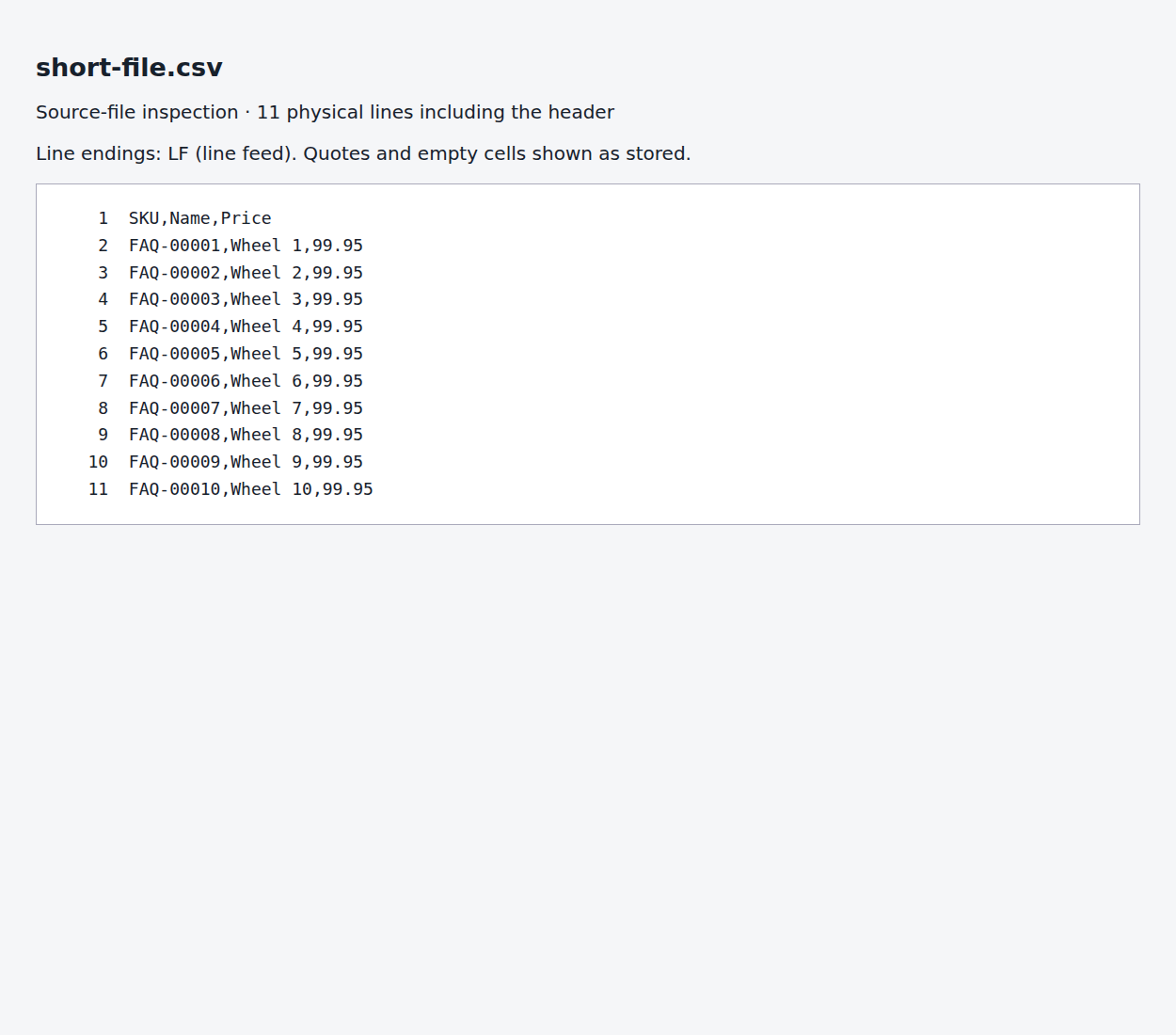
In this example the selected file really contains ten product records, so Rows 10 is correct. Compare the selected filename and its contents with your full export. Upload or select the complete CSV, reopen the import and check the count before continuing.
A quote is left open part-way through the CSV
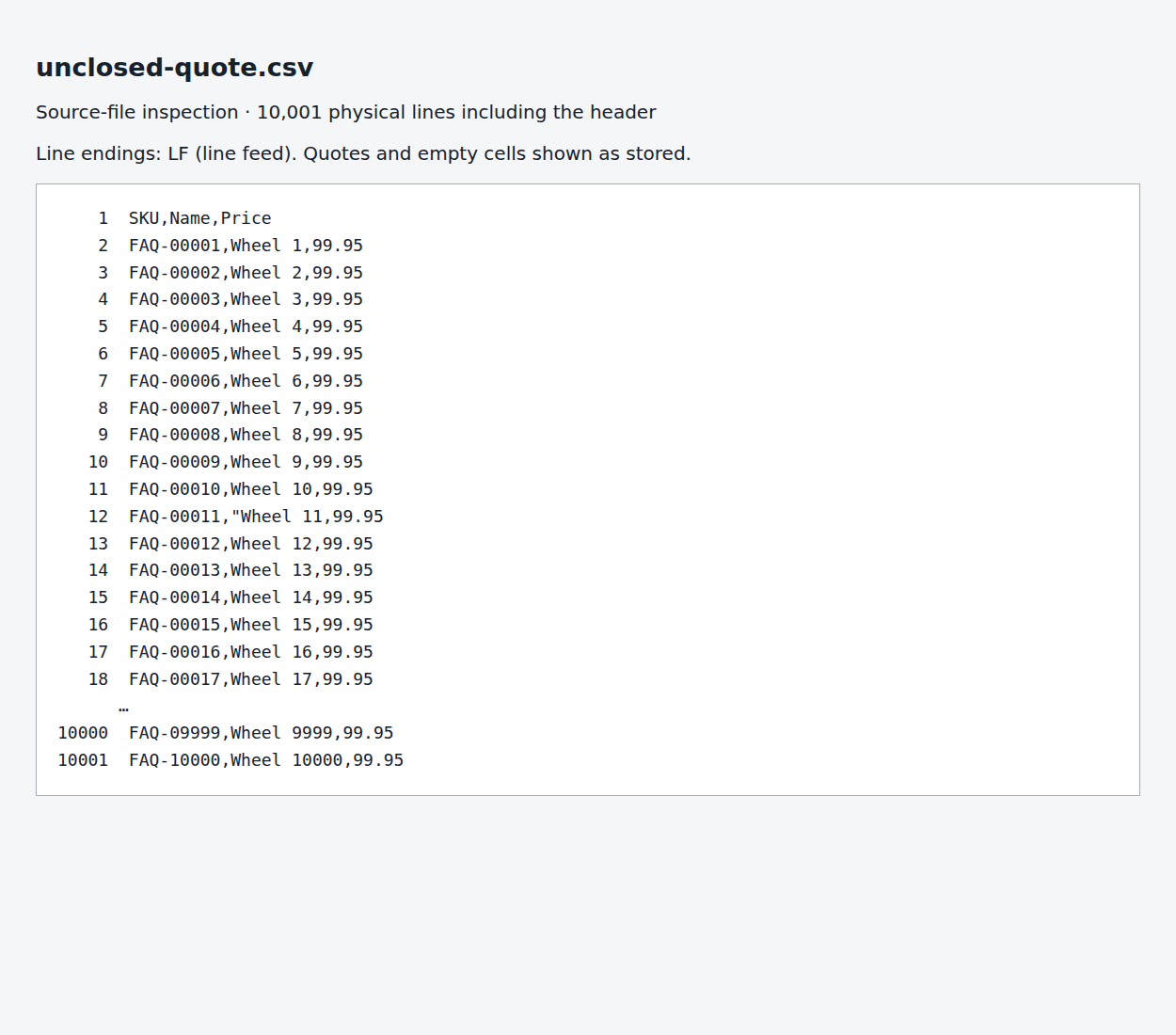
CSV fields can contain line breaks inside double quotes. If a field starts with a double quote but never closes it, the remaining physical lines can be read as part of that field rather than as separate products.
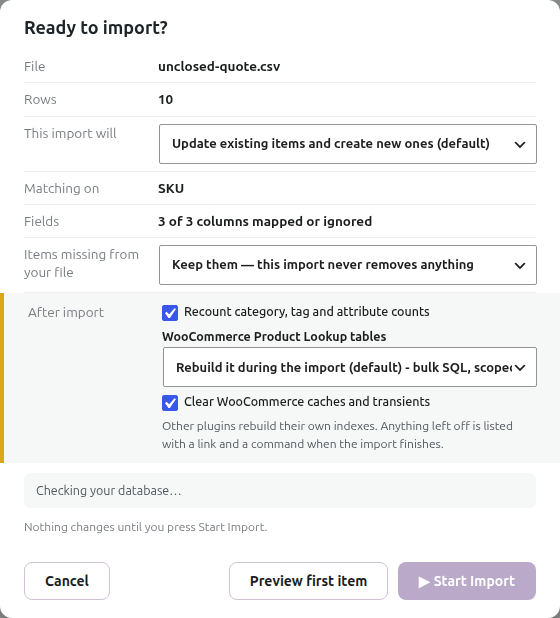
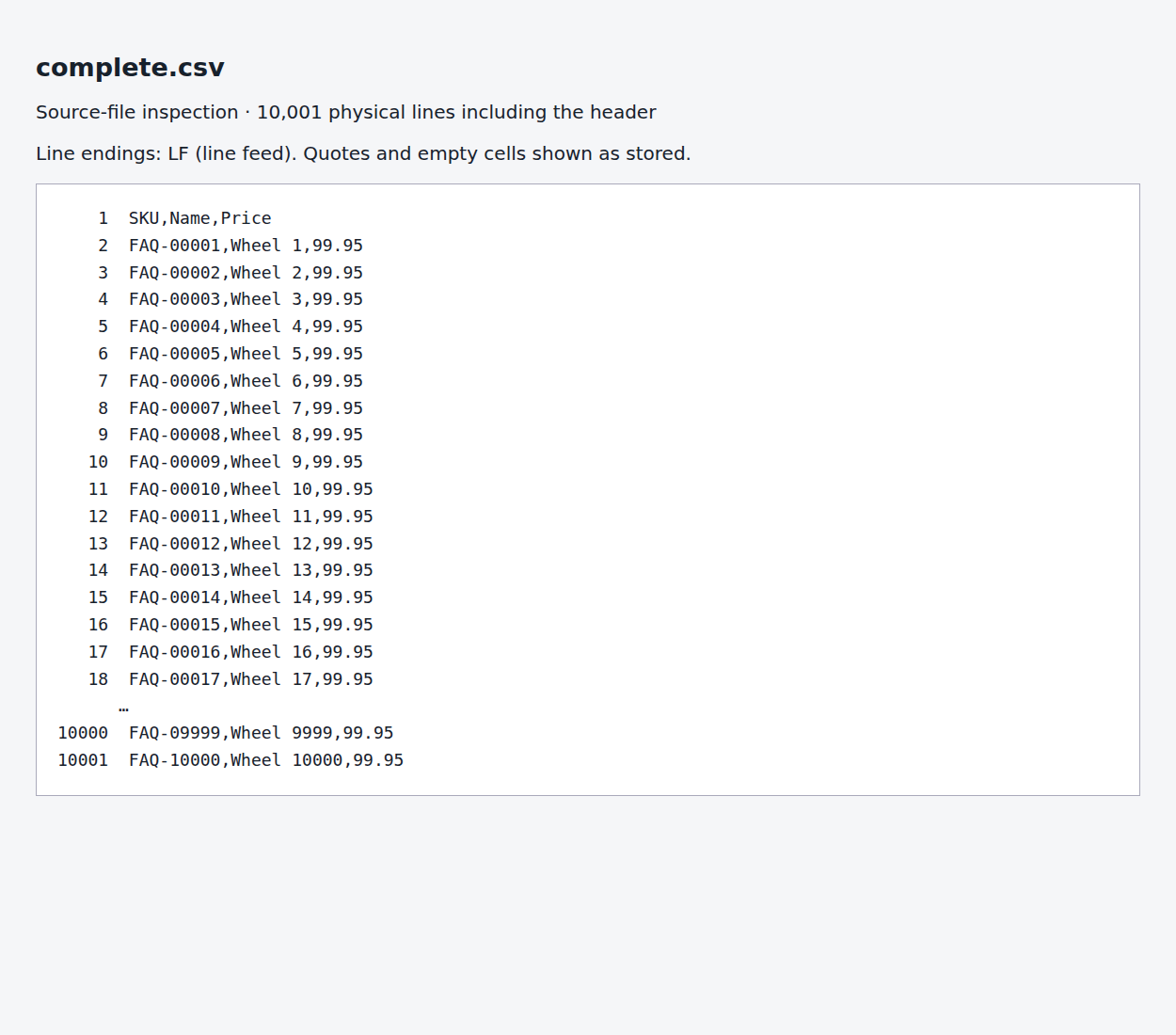
The example has 10,000 intended product lines. An unclosed quote on product 11 makes the review report 10. Inspect that row and the preceding row in a plain-text editor. Re-export the file with a CSV writer, or correct the malformed quoting and check the entire affected field. A literal double quote inside a quoted field is normally written as two double quotes.
Reopen the corrected file in the import. The well-formed control file with the same 10,000 products shows 10,000.
The file changed after you opened the mapper
The open preview reuses its count while you browse rows. If a server process replaces the CSV after you open the import, the review can retain the old count.
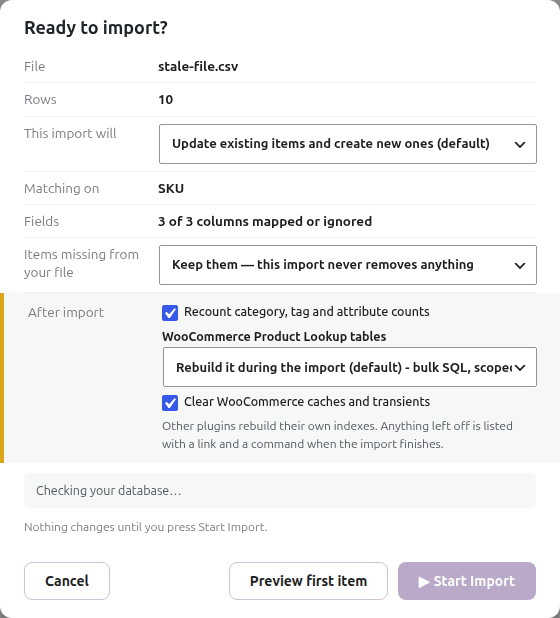
In the test, the mapper opened a ten-record file. Replacing that file with the complete 10,000-record CSV left the open review at 10. Returning to the imports list and reopening the import recalculated it as 10,000.
Reload or reopen the import after the replacement finishes. If the count stays low, confirm that the import points to the file you replaced.
A migrated or recurring import has an older local working copy
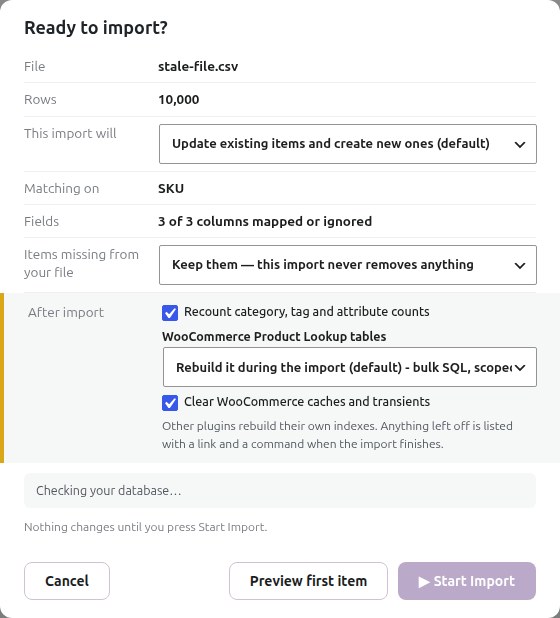
A recurring source can have two different files: the current remote feed and the local working copy used by the preview. A WP All Import migration can start from that job’s saved source snapshot. The importer fetches an enabled recurring source during the run, after the review dialog.
A genuine WP All Import CSV job with ten records migrated to a ten-record working CSV. When the remote feed grew to 10,000 records, the review still showed ten. The complete import fetched the new source; reopening the review then showed 10,000.
Check the source URL, the migration’s source status and the selected working filename. Restore the full source in WP All Import before migrating if its saved file is incomplete. For a configured recurring source, inspect the source-fetch result and verify the refreshed working file. For a one-off upload, provide the complete CSV yourself. Confirm the mappings and keep missing items before running against a changed source.
WP All Import migration does not impose a ten-record limit. A changed remote feed does not update an open preview by itself.
An XML file was read at a container instead of a product
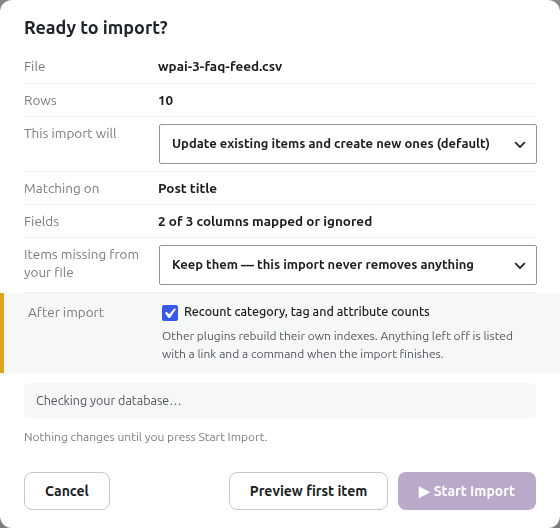
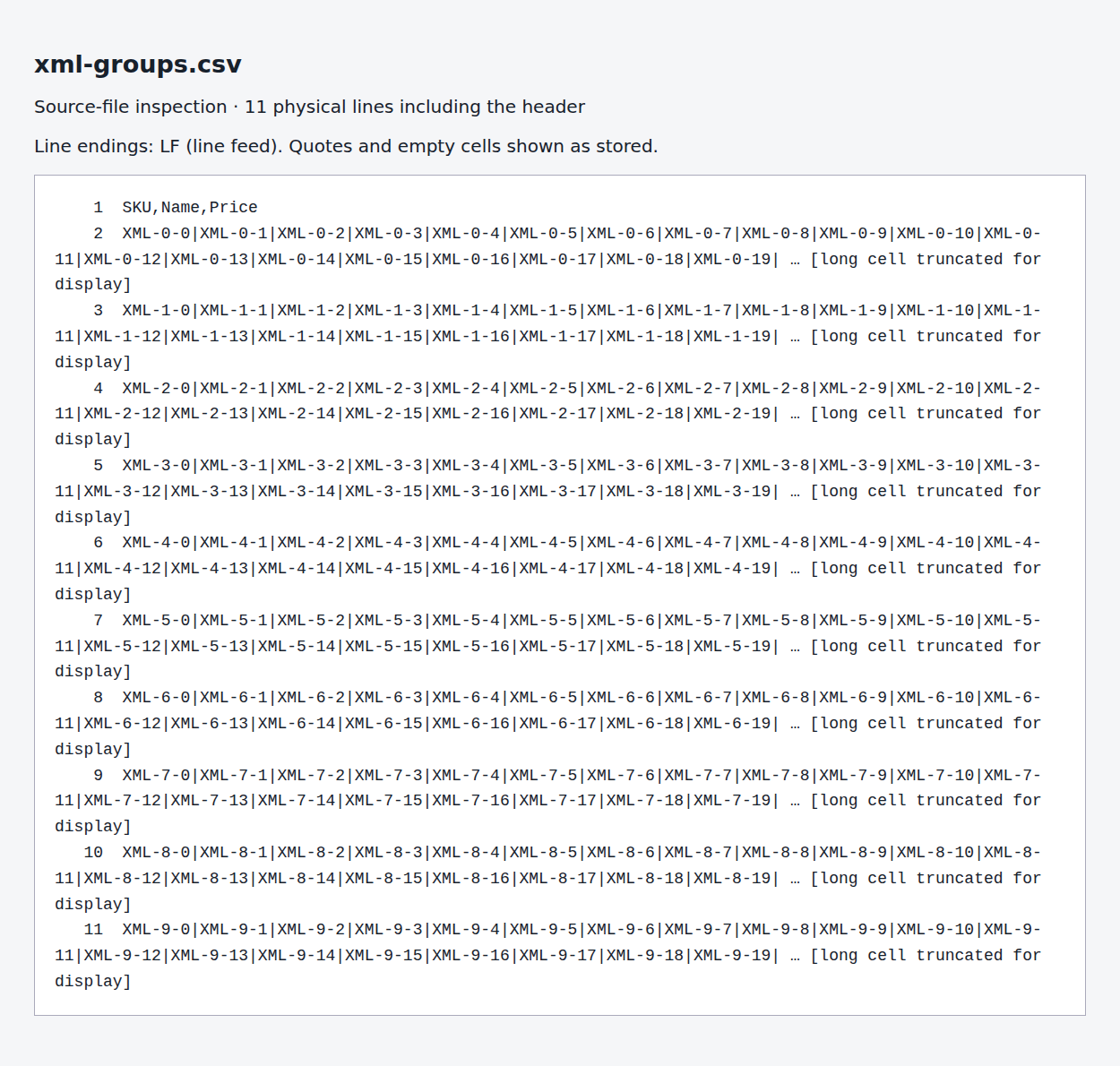
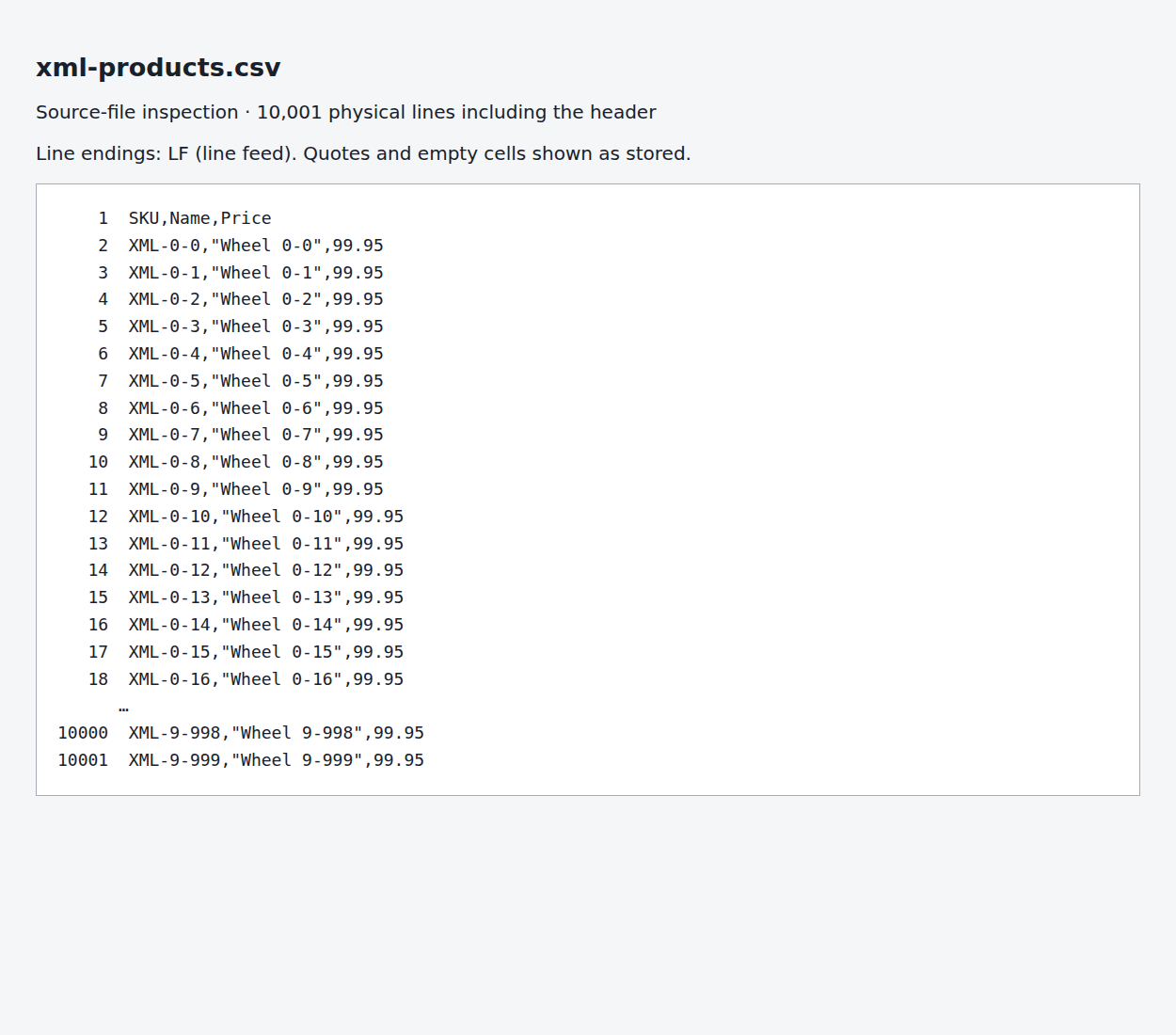
If you are importing an XML or JSON file, check its repeating record path. A file with ten groups containing 1,000 products each produces ten records when the selected path identifies groups. Repeated product values are then joined inside the group’s cells.
In the test, /catalogue/group produced ten records. Selecting /catalogue/group/product produced 10,000 separate product records. When you choose the file in New Import, it shows the record path it detected, the other repeating elements it found and the number of records at each. Choose the element representing one product, check the record count and the fields, then create the import.
The file uses inconsistent line endings
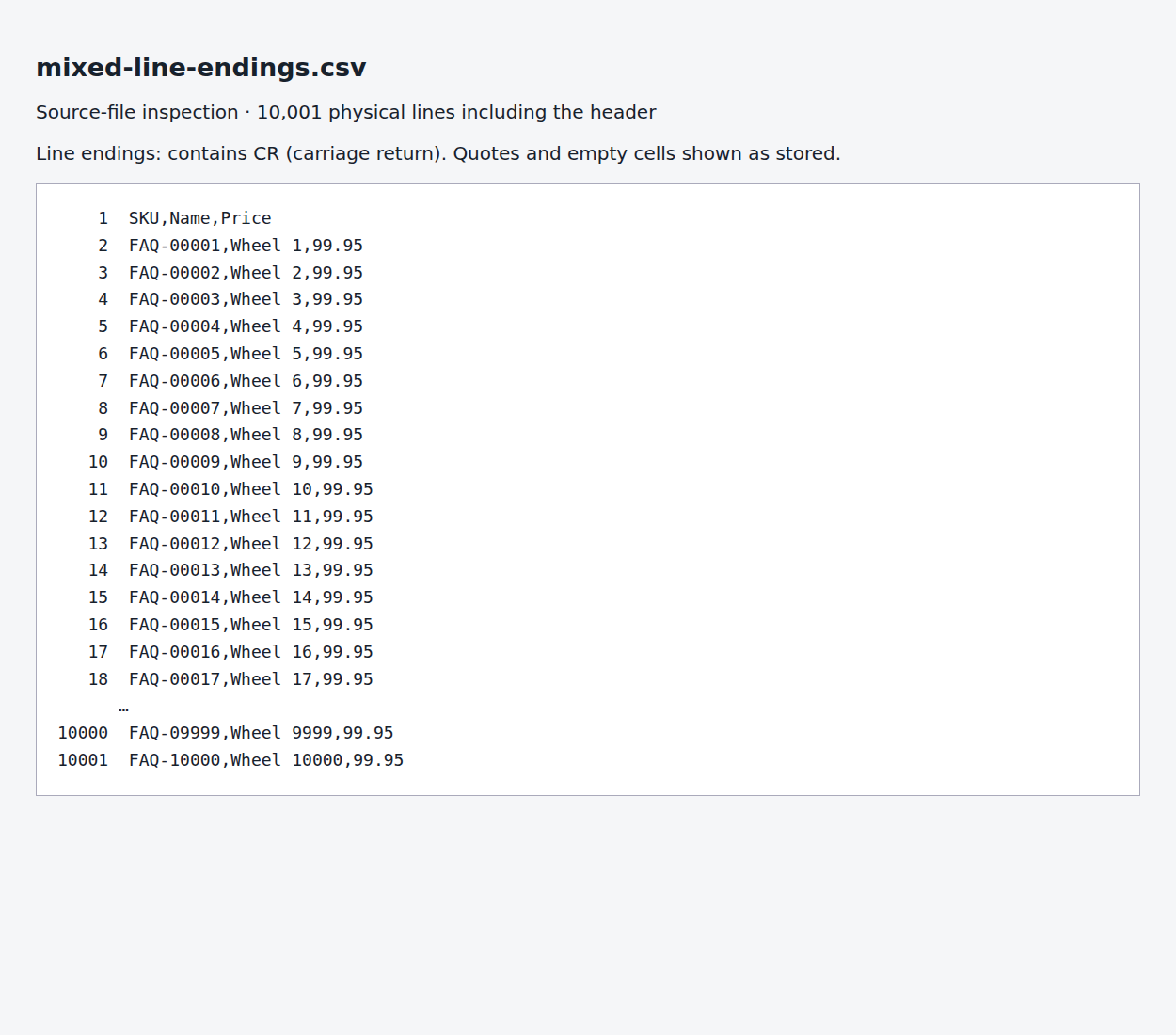
A CSV assembled from several exports can mix newline conventions. The preview counter recognises line-feed boundaries; carriage-return-only portions can make it report far fewer records.
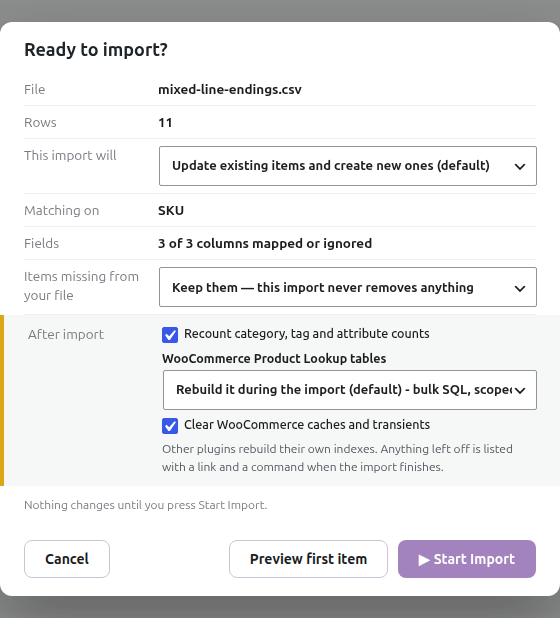
The test file began with ordinary LF endings and continued with CR-only endings. It had 10,000 intended product rows, but the review showed 11. The unexpectedly small number needn’t be exactly ten.
Re-export the whole file with consistent LF or CRLF line endings. Don’t replace line breaks blindly if descriptions contain quoted multiline text. Reopen the corrected CSV and confirm its count and sample values.
Thousands of physical lines belong to only ten CSV records
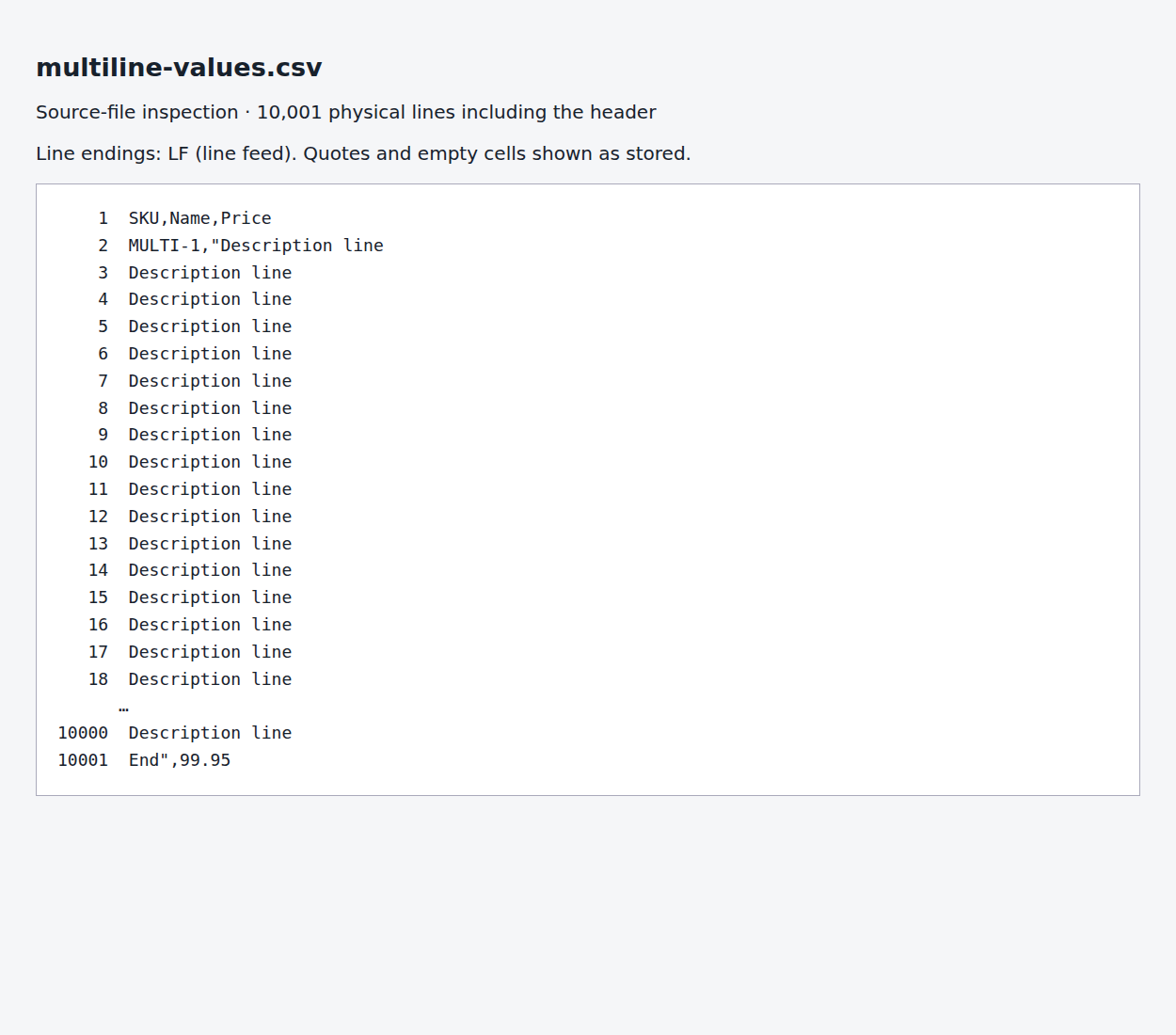
A valid quoted description can span hundreds of lines. Ten product records with long descriptions can therefore occupy thousands of lines in a text editor. Counting those lines doesn’t count products.
This valid example has ten records with multiline fields. Rows 10 is correct. Open it in a CSV-aware spreadsheet and count records by the SKU column. If you expect one product per description line, change the export structure so each product has its own record and identifier.
Do blank rows or missing SKUs cause this?
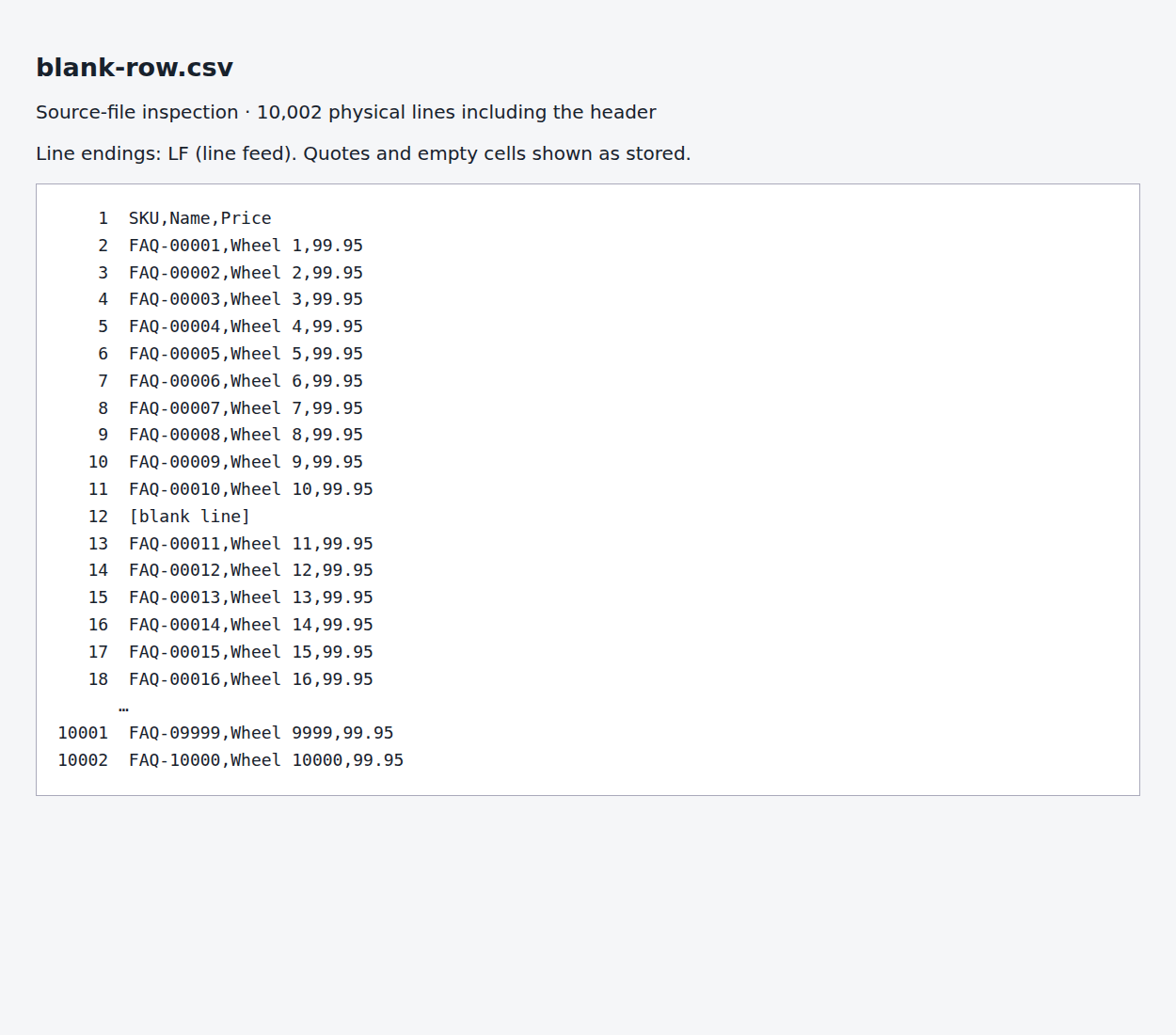
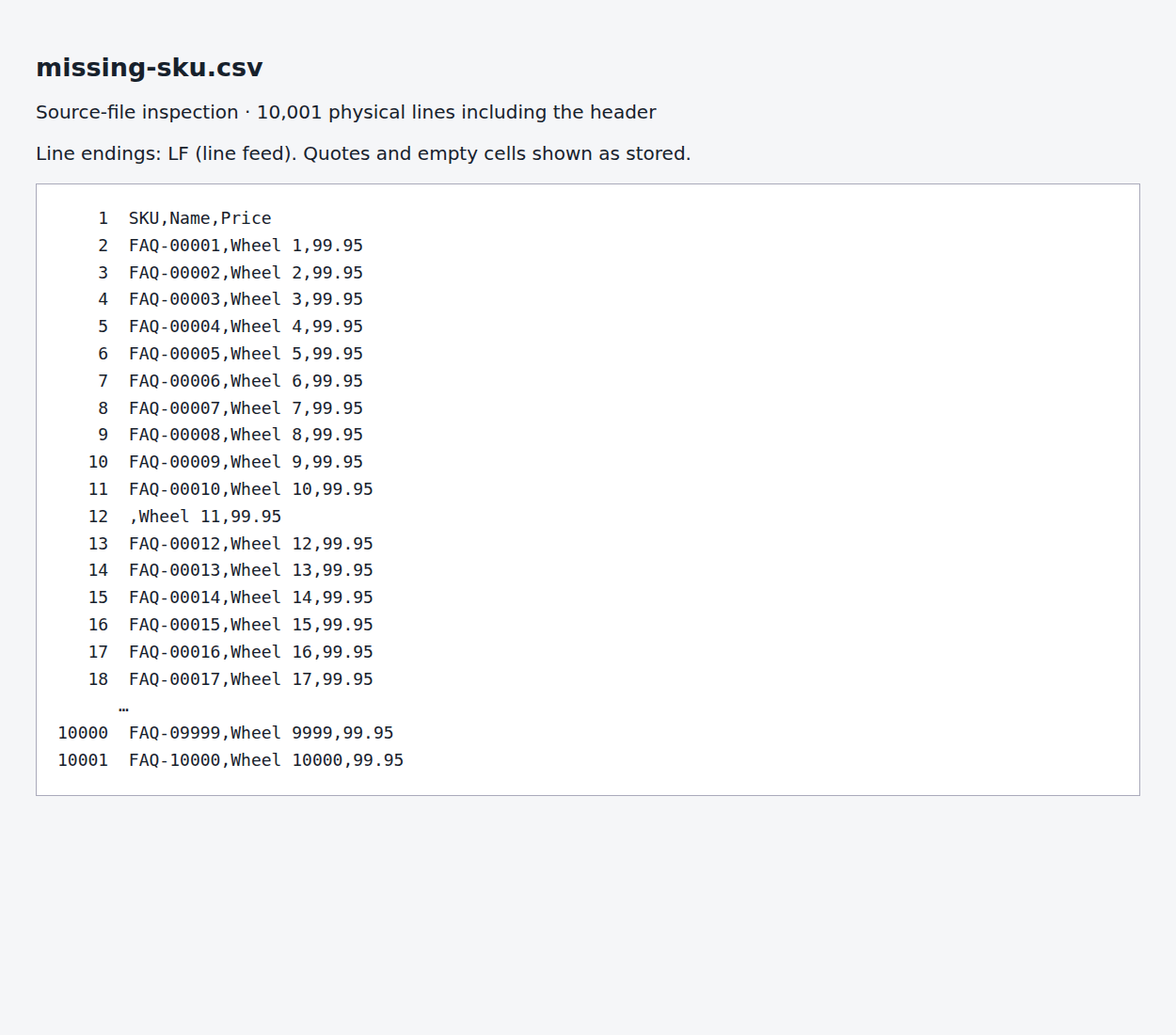
Neither produced Rows 10 in the tests.
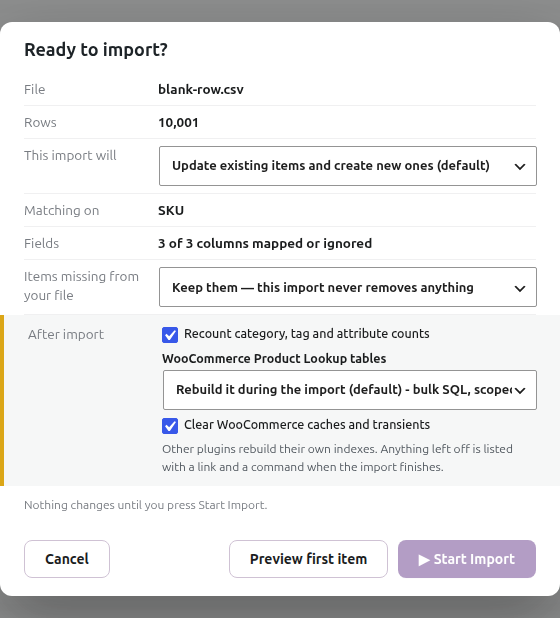
- A blank line after the first ten products left the following products visible. The preview counted 10,001 for 10,000 product records plus that blank line. Remove stray blank rows for a clearer count.
- A blank SKU on product 11 still showed 10,000. The actual load then stopped with a blank unique-identifier error naming row 11. Supply a stable, non-empty SKU or choose a suitable matching identifier before importing.
The preview count is calculated before matching. Filters, duplicate identifiers and update-only choices can affect the eventual imported-product count, which is a separate question.
Check the corrected file
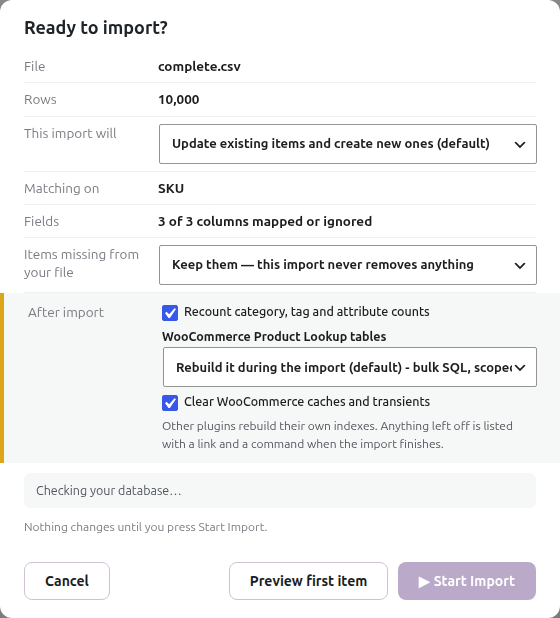
With the complete, well-formed CSV selected and the import reopened, the control shows all 10,000 rows. Check the first and last sample records as well as the count. If your file still differs, provide the source structure and the exact selected filename to support; a low number alone doesn’t identify which cause applies.
Further reading

Written for Super Speedy Imports 3.40.0.

Comments