Fullscreen Typeform
Put a Typeform full screen on your own domain, with your own branding
Put a Typeform on a page under your own domain, with no theme chrome, your logo, your real header and footer, or normal page width. Four layouts, block and shortcode support, and no plugin licence cost. Typeform still supplies the embedded form.


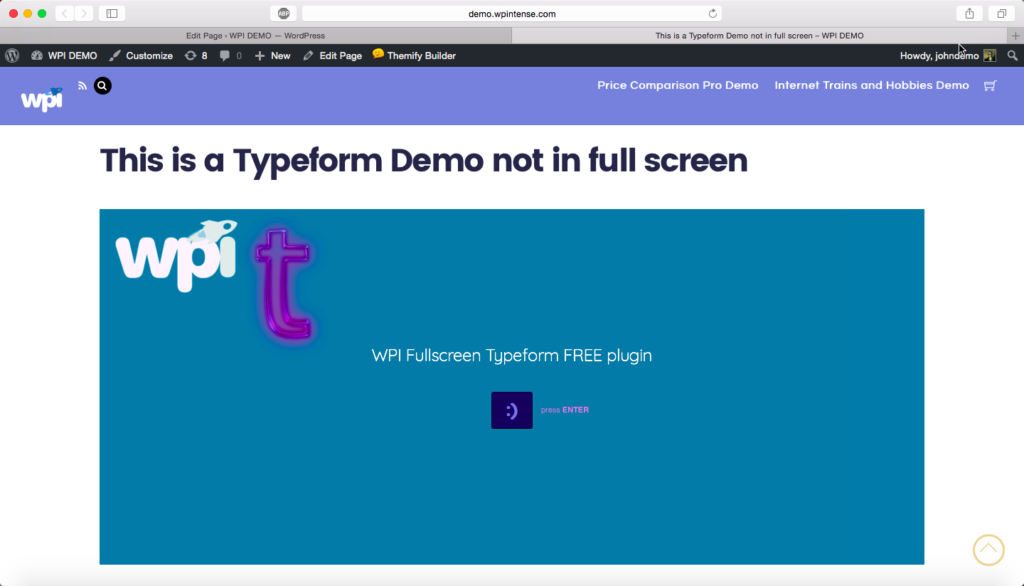
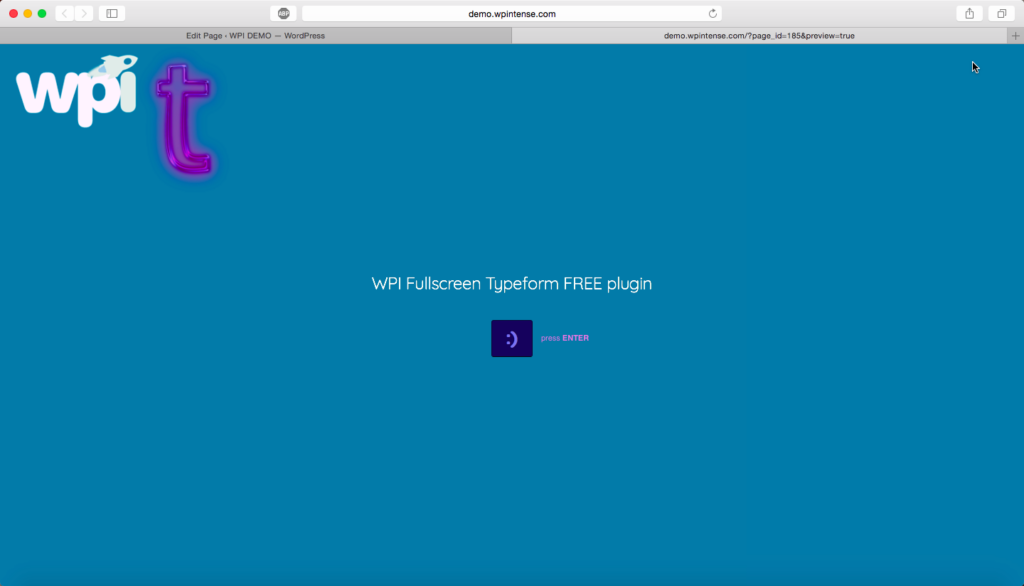
Your Typeform, on your domain, with your branding
Give a Typeform a page of its own, full screen, keeping your logo on top or your real header and footer around it. Or drop one into any existing page at normal width.
466
downloads since 2017
4
layouts, full screen to in-content
2
Typeform ID formats accepted
0
setup needed to use your own logo
Keep respondents on your domain
- Your domain, not Typeform’s. Visitors stay on your site, so the form is part of your brand rather than a trip somewhere else.
- Your logo, with no setup. The logo bar uses the logo you have already set in Appearance, Customise. Nothing to configure.
- Your header and footer, if you want them. Keep your real theme chrome and let the form fill the space between.
- Or nothing at all. A chromeless full screen form for paid landing pages and QR codes, where anything else is a distraction.
- Normal page width when you need copy around it. The form sits in the content column like any other block.
- Paste whatever Typeform gave you. A form ID, a short slug, the share URL, or the whole embed snippet. It works out which is which.
- Built for phones. Proper viewport handling and a minimum height, so the form never collapses to an unusable strip.
- Only loads where it is used. Typeform’s script is enqueued on pages that actually render a form, and never inlined.
- Per page overrides. Run several different forms, each on its own URL, from one shared set of settings.
- Free, and updated. No licence cost, and updates arrive through the usual WordPress updates screen.
Four layouts, one setting
Full screen with nothing else. Full screen with your logo on top. Your site header and footer with the form between them. Or normal page width, in the content. Set a default and override it per page.
Your logo, automatically
Uses your existing site logo, so it works out of the box. Or pick a different image, set its height, centre it, and choose the bar colour.
A proper block
A Typeform block for the editor, rendered on the server. Change the default form in settings and every block that inherits it follows.
And a shortcode
[fullscreen_typeform] for the classic editor, page builders and theme templates. Both attributes are optional.
Both Typeform ID formats
Typeform issues two identifiers per form and they are not interchangeable. Paste either one and the right embed is used.
Works on a phone
A correct viewport, a height that adapts, and a floor so the question and its answer field are never fighting for space. Most survey traffic is mobile, and the form should behave like it.
How it works
Paste your Typeform
In Super Speedy, Fullscreen Typeform, paste the form ID, the share URL, or the embed code from Typeform’s Share dialog. Anything unrecognised is rejected there and then rather than saved.
Pick a layout
Choose one of the four as your site default. Any page can override it, so one form can be chromeless and another can keep your header and footer.
Publish the page
Create a page, choose the Fullscreen Typeform template under Page Attributes, and publish. For a form inside an existing page, add the block or the shortcode instead.
Fullscreen Typeform Knowledge Base
View full Knowledge Base →What's new in Fullscreen Typeform?
View full changelog →2.0.9 (22nd August 2026)
- Updated super-speedy-settings to the latest version
2.0.8 (21st August 2026)
- Hardened the shared settings module and removed its Jetpack Autoloader dependency
2.0.7 (18th August 2026)
- Updated
super-speedy-settingsto 1.8.0, restoring the official WordPress MCP Adapter
2.0.6 (14th August 2026)
- Replaced the bundled MCP Adapter and AI Engine integration with one shared Abilities bridge, a dedicated least-privilege agent user and separate execute and plugin-install permissions
2.0.5 (13th August 2026)
- Fixed a fatal class redeclaration when multiple active Super Speedy plugins bundled the same Jetpack Autoloader; shared MCP packages now load once from the newest settings module
2.0.4 (13th August 2026)
- Added an MCP setup page and bundled the official WordPress MCP Adapter, while deferring to the official standalone plugin when installed
2.0.3 (11th August 2026)
- Updated super-speedy-settings to the latest version
2.0.2 (6th August 2026)
- Updated the shared Super Speedy settings module: the Super Speedy wordmark on the settings header is now a crisp high-resolution image with a dark-text variant
Questions
Which Typeform ID do I need?
Either. Typeform issues a short public slug and a 26-character live embed ID, and they are not interchangeable in most tools. Paste whichever you have, or the share URL, or the whole embed snippet. There is a full explanation in the knowledge base.
Does it work with the block editor?
Yes. Add the Typeform block, paste your form, and it tells you which ID it resolved before you publish.
Can I use a different form on different pages?
Yes. Set a default form and layout once, then override either on any individual page. That is how you run several forms, each on its own URL, from one set of settings.
Can I put more than one form on a page?
Yes, with the block or the shortcode, each with a different form. Typeform’s script is loaded once regardless. The full screen layouts are one form per page by design.
Does it work with my page builder?
Use the shortcode
[fullscreen_typeform] anywhere the builder accepts shortcodes.Can I control how tall the form is?
Yes, at normal page width: set a default height in the settings and override it per block. The full screen layouts always fill the viewport, with a floor on small screens so the form is never squeezed.
Does it keep my cookie banner and analytics?
The page runs
wp_head and wp_footer, so site scripts such as your consent banner and analytics can load. The plugin does not provide consent-mode integration, and Typeform’s embed script loads when the form renders. If your policy requires consent before Typeform loads, gate the page or script through your consent tool.Will my existing pages break when I update?
Version 2 keeps the existing shortcode and page-template route, so there is no migration step. As with any layout plugin update, test an important form on staging before updating the live site.
Will the header-and-footer layout fit every theme?
It uses your theme’s real header and footer and gives the form the remaining viewport area. An unusually tall or fixed header can leave less room than expected, so check that layout with your theme. The normal-width layout is the safer fallback when theme chrome is complex.
Is multisite or multilingual support guaranteed?
No. Those setups have not been formally tested, so this page does not claim guaranteed compatibility with WordPress multisite, WPML or Polylang. Test the form URL and chosen layout on your own setup before relying on it.
Does this self-host Typeform?
No. The WordPress page uses your domain, but the form still loads through Typeform’s embed script from Typeform’s servers. This plugin controls the page and layout; it does not self-host Typeform.
Is it really free?
Yes. There is no paid tier and no licence cost. Download it from this page and updates arrive through the usual WordPress updates screen.


Get it Free
Free download. Install in seconds.

Reviews
There are no reviews yet.